
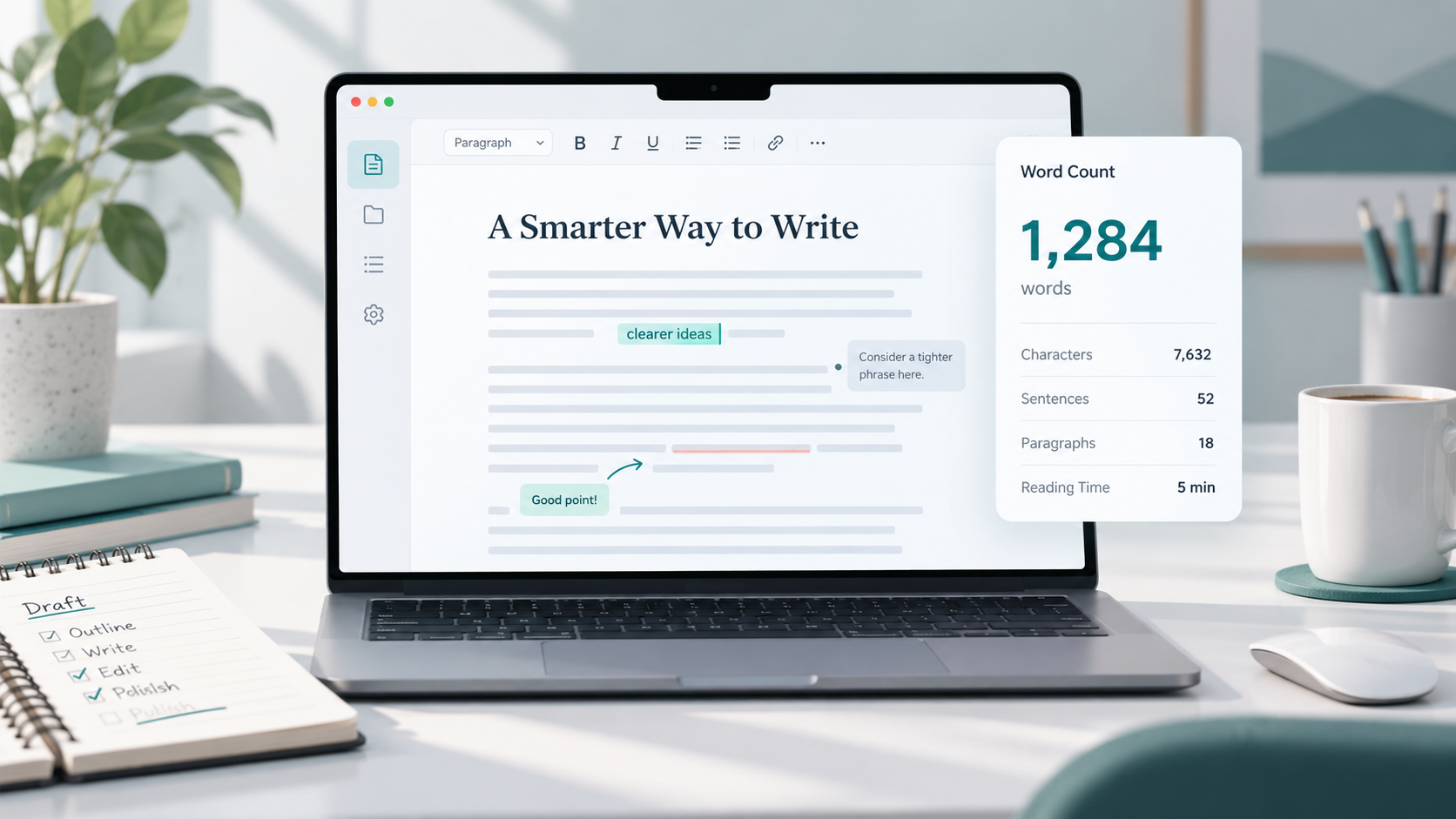
You finish writing an article, look at the word count, and immediately start wondering: Is 600 words too short? Is 2,000 words too long? Should you add another section, or would that only make the article harder to read?
The same question comes up with assignments, website pages, guest posts, product descriptions, and even social media captions. Sometimes you have a strict word limit to follow. Other times, there is no official limit, but you still need enough space to explain your ideas properly.
That is where word count becomes useful. It gives you a simple way to measure the size of your writing, plan your content, follow publishing requirements, and decide whether something may need more explanation or tighter editing.
However, word count should guide your writing rather than control it.
What Is Word Count?
Word count is simply the total number of words contained in a piece of text.
For example, the sentence:
“Writing clearly helps readers understand your ideas.”
contains seven words.
A word counter can calculate this automatically for a paragraph, article, assignment, email, or other document.
Most writers do not manually count every word. Writing applications, content management systems, and online word-count tools can calculate the total instantly.
Word count is commonly used to measure the length of written content. If someone says an article should be approximately 1,500 words, they are describing its expected length using the number of words rather than the number of pages.
This is useful because page length can change depending on font size, spacing, screen size, and document formatting. Word count gives writers a more consistent measurement.
Why Word Count Matters
The importance of word count depends on what you are writing.
In some situations, it is a strict requirement. In others, it is simply a helpful planning tool.
It helps organize your writing
A target word count can make a large writing project easier to plan.
Imagine that you need to write a 1,200-word article with an introduction, five main sections, and a short ending. Knowing the approximate total allows you to distribute the content more evenly.
Instead of accidentally writing 900 words about the first topic and rushing through everything else, you can give each section enough space.
It helps you follow assignment requirements
Schools and colleges often specify minimum or maximum word counts.
An assignment may need to be between 1,000 and 1,200 words, for example. Going far below the requirement may mean that the topic has not been explained fully, while going far above it may mean the writing needs tighter editing.
In these situations, checking your writing word count before submitting the work is important.
It helps with publishing requirements
Guest-post websites, magazines, editors, and content teams may provide specific length guidelines.
One publisher might request articles between 800 and 1,200 words, while another may prefer shorter pieces.
Checking the requirement before writing can save time later.
It supports better editing
Word count can also reveal when content is becoming unnecessarily long.
If you expected to write a short 700-word guide and it reaches 1,800 words, that does not automatically mean the article is bad. However, it is worth reviewing the draft.
You may find repeated explanations, unnecessary examples, long introductions, or sections that belong in a separate article.
It can help with SEO content planning
Word count is sometimes considered during SEO planning because different topics naturally require different levels of explanation.
A simple definition may only need a few hundred words. A detailed tutorial, comparison, or complete guide may require much more space.
However, there is no universal article length that guarantees higher search rankings. A useful 900-word article can serve readers better than a repetitive 3,000-word article.
The goal should be to cover the topic properly rather than reach a random number.
Word Count and Article Length
Word count is one of the easiest ways to estimate article length.
A 300-word article will usually feel short and focused. A 1,500-word guide allows much more room for examples, explanations, steps, and frequently asked questions.
But longer does not automatically mean better.
Consider two articles about the same simple question.
One answers the question clearly in 700 words.
The other stretches the same information across 2,500 words by repeating points, adding unnecessary introductions, and using filler paragraphs.
The shorter article may provide a much better experience.
Article length should reflect the complexity of the topic and what the reader actually needs.
A detailed guide about building a website may naturally require thousands of words. A page explaining how to capitalize text probably does not.
Before expanding an article, ask whether the additional words provide useful information.
If they do, keep them.
If they only repeat what has already been explained, remove them.
Where Word Count Is Commonly Used
Word count appears in many types of writing, although its importance can vary.
Blog articles
Bloggers often use word count when planning articles and maintaining consistent content depth.
A writer may decide that a detailed tutorial needs around 1,500 words while a simple informational post only requires 700.
The number is usually a target rather than a strict rule.
School and college assignments
Academic assignments often have clearly defined limits.
Students may be asked to write 500 words, 1,000 words, or a range such as 1,500–2,000 words.
Following these limits shows that you can explain a subject within the required scope.
Guest posts
Websites accepting guest contributors frequently provide submission guidelines.
These may include minimum or maximum article lengths alongside formatting, topic, and linking requirements.
Always check those guidelines before submitting.
Product descriptions
Product descriptions are usually shorter than full articles, but length still matters.
A description should provide enough useful information to help a potential buyer understand the product without burying important details in unnecessary text.
Social media captions
Different platforms encourage different styles of writing.
Some posts work best with a short sentence, while others benefit from a longer explanation or story.
Word count can help you shorten a caption when it feels overloaded.
Email newsletters
Newsletter writers often monitor length because subscribers may quickly scan emails.
Checking word count can help identify messages that have become much longer than intended.
Website pages
Pages such as service descriptions, help pages, guides, and informational resources need enough content to explain their purpose clearly.
However, adding hundreds of unnecessary words simply to make a page appear larger rarely improves the reader experience.
When Word Count Does Not Matter as Much
Not every piece of writing needs a specific target.
Sometimes the best approach is simply to write until the question has been answered clearly.
If a reader wants to know how to perform a simple task, they probably do not want to scroll through several thousand words before finding the instructions.
Likewise, an important topic should not be compressed so aggressively that useful details disappear.
Clarity, accuracy, usefulness, and reader satisfaction usually matter more than reaching an arbitrary number.
Instead of asking only:
“How many words should this article contain?”
also ask:
“Have I answered the reader's main question?”
“Is anything important missing?”
“Am I repeating myself?”
“Can any paragraph be explained more clearly?”
These questions are often more valuable than the final number alone.
How to Check Word Count Easily
You can check word count manually for a very short sentence, but that quickly becomes impractical for longer content.
Most writers use software or an online word counter instead.
With an online counter, you normally paste your text into the tool and receive the total number of words immediately. Some tools may also display additional information about the text.
You can use the ToolNest Word Counter when you need a quick way to check the length of an article, paragraph, assignment, caption, or other writing.
Word Counter
Count words, characters, sentences, and paragraphs.
If you are unfamiliar with the process, you can also read Use Word Counter for a more detailed explanation.
When using any unfamiliar online text tool, be careful with sensitive information. Avoid pasting passwords, confidential client documents, private records, unpublished business information, or sensitive personal data unless you understand and trust how that service handles your information.
Common Word Count Mistakes
Word count is useful, but focusing on it too heavily can create problems.
Adding filler just to make the article longer
One of the most common mistakes is expanding an article after the topic has already been fully explained.
Writers may repeat the same point using different wording simply to reach a target.
This makes the article slower to read without making it more useful.
Removing useful information just to stay short
The opposite problem can happen too.
If a useful example makes an article slightly longer than planned, removing it simply to hit an exact number may hurt the quality of the content.
Treat flexible targets as guidelines unless you have a strict requirement.
Ignoring platform requirements
When a school, editor, website, or client gives you a specific limit, it matters.
Writing 2,000 words for a submission that allows a maximum of 1,000 may create unnecessary editing work or cause the submission to be rejected.
Check the requirements before writing.
Using the same target for every article
Not every topic needs 1,000, 1,500, or 2,000 words.
A short explanation and a complete technical tutorial serve different purposes.
Choose article length based on the topic instead of applying the same number everywhere.
Checking word count only at the end
For longer projects, waiting until the final draft can make editing more difficult.
Checking occasionally while writing helps you see whether one section is becoming disproportionately long.
Simple Tips for Managing Word Count
Managing word count becomes easier when you treat it as part of the writing process instead of a final obstacle.
Start with a simple outline
List the main points you want to cover before writing.
This helps prevent one section from taking over the entire article.
Write the first draft naturally
Unless you have a strict limit, avoid checking the number after every paragraph.
Constantly watching the counter can interrupt your writing flow.
Finish the main ideas first, then review the total.
Trim repetition
If the draft is too long, look for ideas that appear more than once.
Repeated explanations are usually easier to remove than useful details.
Shorten unnecessary introductions
Writers sometimes spend too long preparing to answer the question.
A tighter introduction can reduce word count while helping readers reach the useful information faster.
Expand incomplete sections
If the draft feels too short, do not add random filler.
Instead, look for places where readers may need a clearer explanation, example, step, comparison, or answer to a common question.
Check the final version
Editing changes word count.
After removing sentences, rewriting sections, or adding examples, check the total again before publishing or submitting your work.
FAQs
What is word count in writing?
Word count is the total number of words in a document or piece of text. Writers use it to measure content length and follow writing or publishing requirements.
Why is word count important?
Word count helps with planning, editing, assignment limits, publishing guidelines, article structure, and content length. It can also help writers notice when a piece may be too short or unnecessarily long.
How long should a blog article be?
There is no single ideal length for every blog article. The appropriate length depends on the topic, search intent, audience, and amount of explanation required.
Is a longer article better for SEO?
Not automatically. Longer content can be useful when a topic requires detailed explanation, but adding unnecessary words does not guarantee better search performance. Relevant, clear, accurate, and useful content should remain the priority.
Does word count include headings?
Many word-count tools include headings because they are part of the text being analyzed. Exact behavior can vary depending on the software or tool being used.
Should I reach an exact word count?
If you have a strict requirement, you should stay within the specified limit or range. If the number is only a personal target, it is usually better to prioritize clarity and completeness rather than forcing an exact total.
How can I reduce my word count?
Remove repetition, unnecessary examples, filler phrases, overly long introductions, and sentences that do not support the main topic. Try to preserve important explanations while making the wording more direct.
How can I increase my word count without adding filler?
Add useful information rather than repeating existing points. You can include clearer explanations, practical examples, relevant steps, comparisons, common mistakes, or answers to questions readers are likely to have.
Final Thoughts
Word count gives writers a practical way to measure and manage the length of their content. It can help you follow assignment rules, plan articles, meet submission guidelines, organize sections, and improve editing decisions.
But the number itself should never become more important than the reader.
Use word count as a guide. Give simple topics the space they need, allow complex topics to be explained properly, and remove words that do not add real value.
The best length is usually the length that explains the subject clearly without leaving important questions unanswered or making the reader work through unnecessary filler.