You have finished writing an article, filled out an online form, prepared a social media caption, or completed an assignment. Just before submitting it, you notice a requirement: 500 words maximum, 150 characters, or a specific text limit.
Now you need an answer quickly. Is the text within the limit, or do you need to shorten or expand it?
Checking text length is a simple step, but it can prevent rejected forms, incomplete assignments, awkward captions, unnecessarily long descriptions, and publishing mistakes. Depending on the situation, you may need to check words, characters, spaces, sentences, or paragraphs.
The good news is that you do not need to count anything manually. Several quick methods can give you an accurate result in seconds.
What Does Text Length Mean?
Text length is a general way of measuring how much text you have written.
There is no single measurement that applies to every situation. A platform, teacher, editor, website, or form may measure text using different units.
Text length can include:
Number of words
Number of characters
Characters including spaces
Characters excluding spaces
Number of sentences
Number of paragraphs
For example, an essay requirement will usually focus on word count, while a short online form may limit the number of characters you can enter.
A social media platform may also use character limits because every letter, space, symbol, and punctuation mark takes up part of the available text space.
Understanding which type of measurement is required is the first step before checking your text.
Why Checking Text Length Matters
Text length affects much more than whether a piece of writing looks long or short.
In many situations, there is a practical reason behind a length requirement.
Meeting platform limits
Online forms, profile fields, titles, descriptions, and social media platforms often have maximum character limits. Text that exceeds the allowed length may be rejected or cut off.
Checking before submitting helps you avoid rewriting everything at the last moment.
Improving readability
Long paragraphs can make otherwise useful information difficult to read.
Checking the length of your text can help you notice when an introduction, paragraph, description, or section has become unnecessarily long.
You can then break it into smaller sections or remove repeated ideas.
Following assignment requirements
Students are commonly asked to write within a specific range, such as 800 to 1,000 words.
A 500-word response may not provide enough detail, while a 1,500-word response may exceed the instructions.
Checking the word count makes it easier to stay within the expected range.
Planning articles and website content
Bloggers and editors often use approximate word targets when planning articles.
The goal is not to make every article reach an arbitrary number. Instead, a word target can help determine whether a topic has been explained with enough depth.
Preparing search-related content
Website owners may also need to keep page titles and descriptions concise so that important information is communicated clearly.
In these cases, character count can be more useful than word count.
Writing better messages and captions
A message can technically fit within a platform's limit while still being much longer than necessary.
Checking its length gives you a useful editing signal. If a short announcement has become several paragraphs long, it may be worth simplifying.
Text Length vs Word Count vs Character Count
These terms are related, but they are not exactly the same.
Text length
Text length is the broad term.
It may refer to words, characters, sentences, paragraphs, or another measurement depending on the requirement.
Word count
Word count measures how many separate words appear in the text.
Consider this sentence:
Writing clearly saves time.
It contains four words:
Writing
clearly
saves
time
Word count is especially useful for articles, essays, assignments, reports, and long-form content.
Character count
Character count measures individual letters, numbers, punctuation marks, symbols, and sometimes spaces.
In the word:
Hello
there are five characters.
If you write:
Hello!
there are six characters because the exclamation mark also counts.
Characters with spaces
Some character counters include spaces between words.
For example:
Good work
contains four letters in "Good," four letters in "work," and one space between them.
That means the total is nine characters when spaces are included.
Characters without spaces
A tool may also show character count without spaces.
Using the same example:
Good work
has eight characters when the space is excluded.
This distinction matters when a system specifically says that spaces do or do not count toward its limit.
Quick Ways to Check the Length of Text
You have several practical options depending on where you are writing.
Use an online text length checker
A browser-based text checker is one of the quickest options.
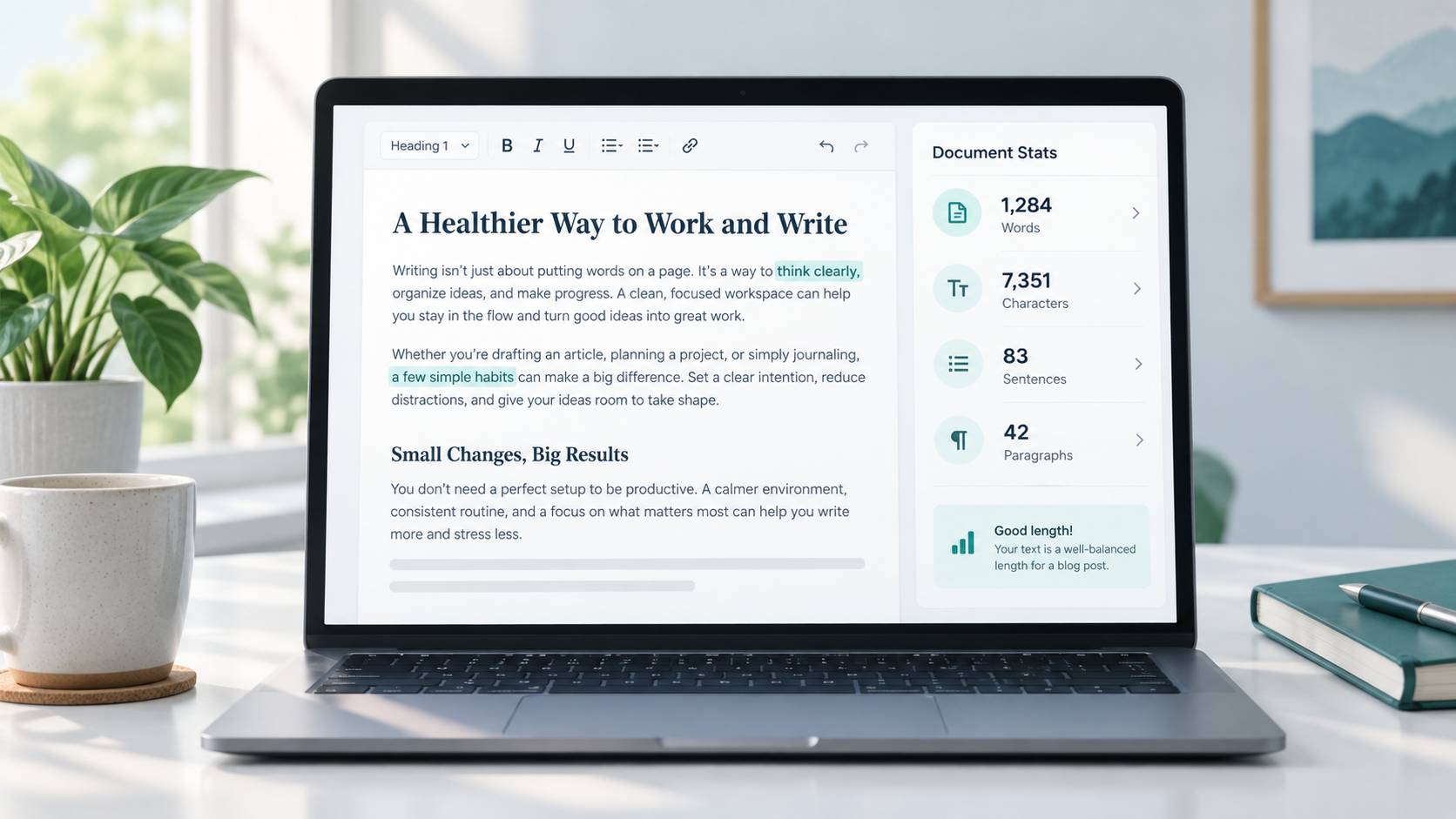
You simply paste your text into the tool and review the available statistics. Depending on the tool, you may see words, characters, sentences, paragraphs, and other useful measurements.
This is convenient when your text is written in a basic editor, website form, email draft, or application that does not show a count automatically.
Use the word count feature in a word processor
Most writing applications include built-in word counting.
If you are already writing in a document editor, using its built-in counter can be faster than moving your text somewhere else.
These counters may also provide character statistics.
Check text in Google Docs or Microsoft Word
Google Docs and Microsoft Word both provide word-count features that are useful for essays, articles, reports, and assignments.
They are particularly helpful when you want to check an entire document while continuing to edit it.
Depending on the application and settings, you may also be able to view character counts and other document statistics.
Check your website CMS or editor
Some content management systems and website editors display word totals directly inside the writing interface.
If your CMS already provides the information you need, there is no reason to copy the content elsewhere.
However, built-in editors do not always show character count, which is where a dedicated text checker can be useful.
Use a browser-based tool
A browser tool is useful when you work across different devices and do not want to install software.
It can also be helpful for short pieces of text such as descriptions, captions, titles, messages, and form responses.
Make a manual estimate when precision is not required
For informal planning, you can sometimes estimate text length.
For example, if you only want to know whether an article is approximately 500 words or 2,000 words, a rough visual estimate may be enough.
However, manual estimation should not be used when a platform has a strict limit.
If the maximum is exactly 150 characters, use an actual counter.
Check Text Length Online with ToolNest
If you want to check text without manually counting words or characters, you can use the ToolNest Word Counter.
Paste your text into the tool and review its length information before publishing, submitting, or editing your content.
Word Counter
Count words, characters, sentences, and paragraphs.
The Use Word Counter can be useful when you are working with articles, assignments, captions, descriptions, form responses, or general website copy and need a quick overview of your text length.
It is also helpful when you are editing. Instead of guessing how much text you removed or added, you can compare the count before and after making changes.
One important privacy reminder applies to any online text tool: avoid pasting confidential client documents, passwords, private records, unpublished business information, or sensitive personal data into unfamiliar online services. Use appropriate trusted software or approved systems when working with sensitive information.
When Character Count Is More Important Than Word Count
Word count receives a lot of attention, but many short-form writing tasks depend more heavily on characters.
Meta titles
Website page titles need to be concise.
When preparing a title, character count can help you identify whether it has become unnecessarily long and whether the most important wording appears early.
Meta descriptions
Meta descriptions often need to summarize a page in a relatively small amount of space.
Character count is useful because two descriptions with the same number of words can have very different lengths.
Social media captions
Some platforms limit the amount of text allowed in certain fields, while others may shorten long captions in the interface.
Character count can help you keep important information visible and concise.
Online forms
Application forms, contact forms, profile descriptions, support tickets, and short-answer fields may apply strict character limits.
A character counter helps you edit the response before submitting it.
SMS messages
Message length can matter when writing SMS content because longer messages may be divided into multiple parts depending on the service and characters used.
Product titles
Marketplace and ecommerce listings often work better with clear, compact product titles.
Checking character length can help prevent titles from becoming overloaded with unnecessary words.
Short descriptions
Short summaries, profile bios, product snippets, and promotional descriptions often need to communicate useful information within limited space.
Usernames
Usernames are another case where character limits matter more than word count.
Spaces may not even be allowed, so counting individual characters becomes more relevant.
When Word Count Is More Important Than Character Count
Character count is useful for short text, but word count is usually more meaningful for longer writing.
Blog articles
Writers often use word count to understand the overall size of an article and whether a topic has been covered in enough detail.
A useful article should be as long as necessary to answer the reader's questions clearly, rather than being stretched simply to reach a target.
Essays
Essay instructions frequently specify a word range.
Checking the total regularly can help students manage the balance between different sections.
Guest posts
Websites accepting guest contributions may provide minimum or maximum word-count guidelines.
Following those requirements can make the editing process easier for both the writer and publisher.
Assignments
Schools, colleges, courses, and training programs often set word limits because they want students to explain a topic within a defined scope.
Content briefs
Editors and content managers may include approximate word targets in writing briefs.
These targets can help writers understand whether the expected piece is a short guide, detailed article, or long-form resource.
Long-form writing
Reports, guides, tutorials, and educational resources are generally easier to measure by words than by characters.
Website pages
About pages, service pages, guides, landing pages, and educational website content may also be evaluated by word count during editing.
Again, quality matters more than simply reaching a particular number.
Common Mistakes When Checking Text Length
Counting text is easy, but interpreting the result incorrectly can still cause problems.
Checking only word count when characters are required
A 100-word paragraph could contain very different numbers of characters depending on the words used.
Always check the measurement specified by the platform or instructions.
Ignoring spaces
Do not assume that character count always means letters only.
Spaces may be included in the limit.
If the requirement is strict, confirm whether the counter shows characters with spaces or without spaces.
Forgetting punctuation
Periods, commas, question marks, hyphens, quotation marks, and other symbols may count as characters.
This can make a difference when you are close to a maximum limit.
Trusting manual estimates for strict limits
Manual counting may work for a sentence or two, but it becomes unreliable with longer text.
If a form allows exactly 200 characters, use a proper character counter.
Adding filler just to increase length
A low word count does not automatically mean the writing is incomplete.
Adding repeated explanations, unnecessary introductions, or empty sentences just to increase the total can make the content worse.
Expand only when additional information is genuinely useful.
Removing useful information just to shorten text
The opposite mistake is cutting essential details simply to make a piece shorter.
Start by removing repetition, weak phrases, and unnecessary wording before deleting valuable information.
Comparing tools without understanding different totals
Two text tools may occasionally display slightly different results.
The difference can come from how they treat hyphenated terms, special symbols, line breaks, URLs, emojis, or unusual spacing.
When working with an important limit, use the method that matches the platform where the text will actually be submitted.
Simple Tips to Manage Text Length
Once you know the current length, the next step is adjusting it without damaging the quality of the writing.
Remove repeated ideas
Read each paragraph and ask whether it adds something new.
If two sentences communicate essentially the same point, keep the clearer one.
Replace long phrases with shorter wording
Small changes can reduce character count without removing meaning.
For example:
Due to the fact that can often become because.
Clearer wording usually improves readability as well.
Break up long paragraphs
Paragraph count does not necessarily reduce the total number of words, but shorter sections can make longer content easier to read.
This is especially helpful for articles and website pages.
Expand with useful information
If your text genuinely feels too short, do not add filler.
Instead, consider adding:
A clearer explanation
A practical example
Step-by-step instructions
Common mistakes
Answers to likely questions
Important limitations or warnings
These additions improve usefulness while naturally increasing the length.
Check length during editing
Do not wait until the final sentence to check your count.
For content with a strict requirement, review the total occasionally while writing.
This gives you more control and reduces last-minute editing.
Review titles and headings separately
Titles may have very different length requirements from the main content.
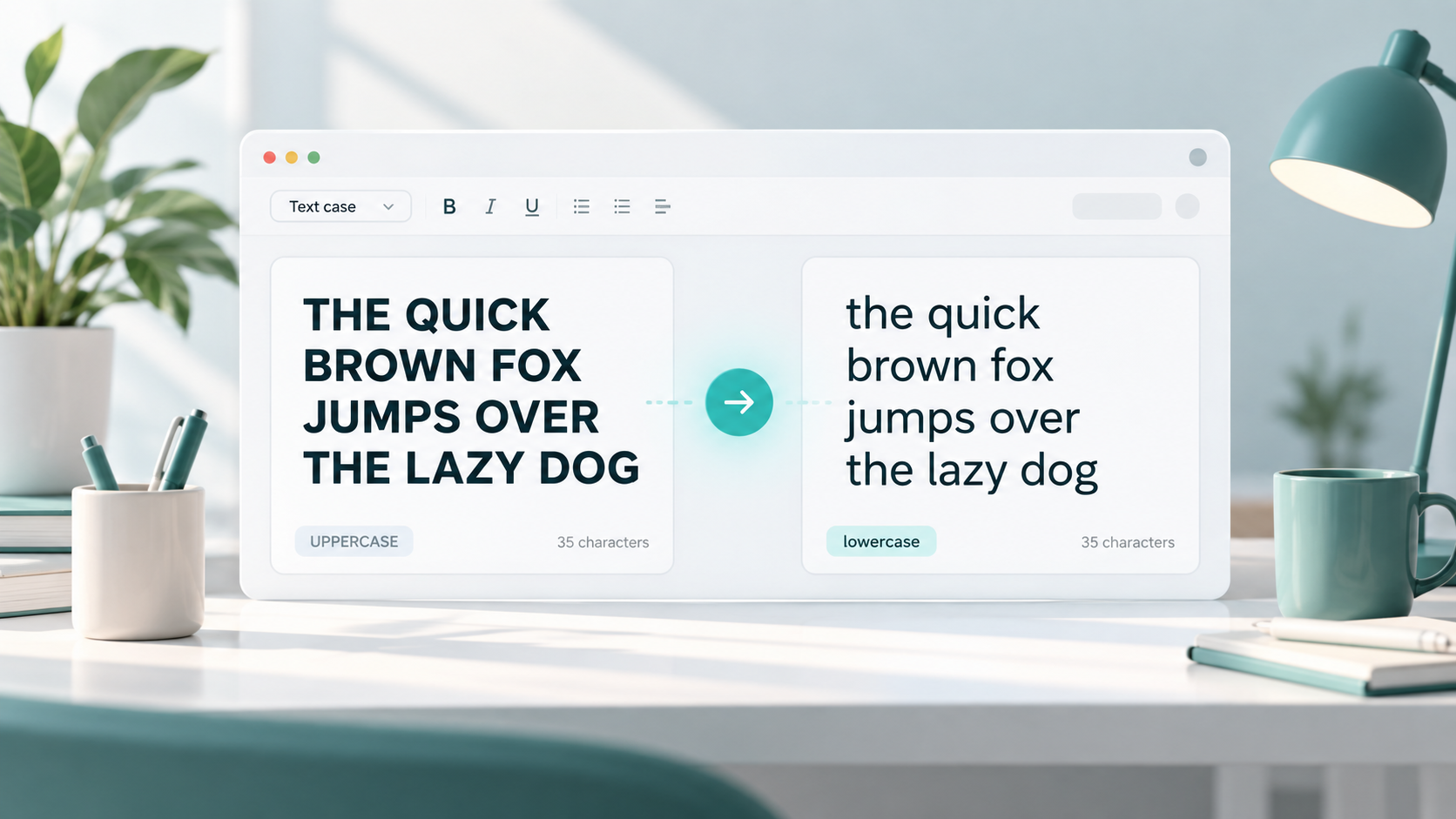
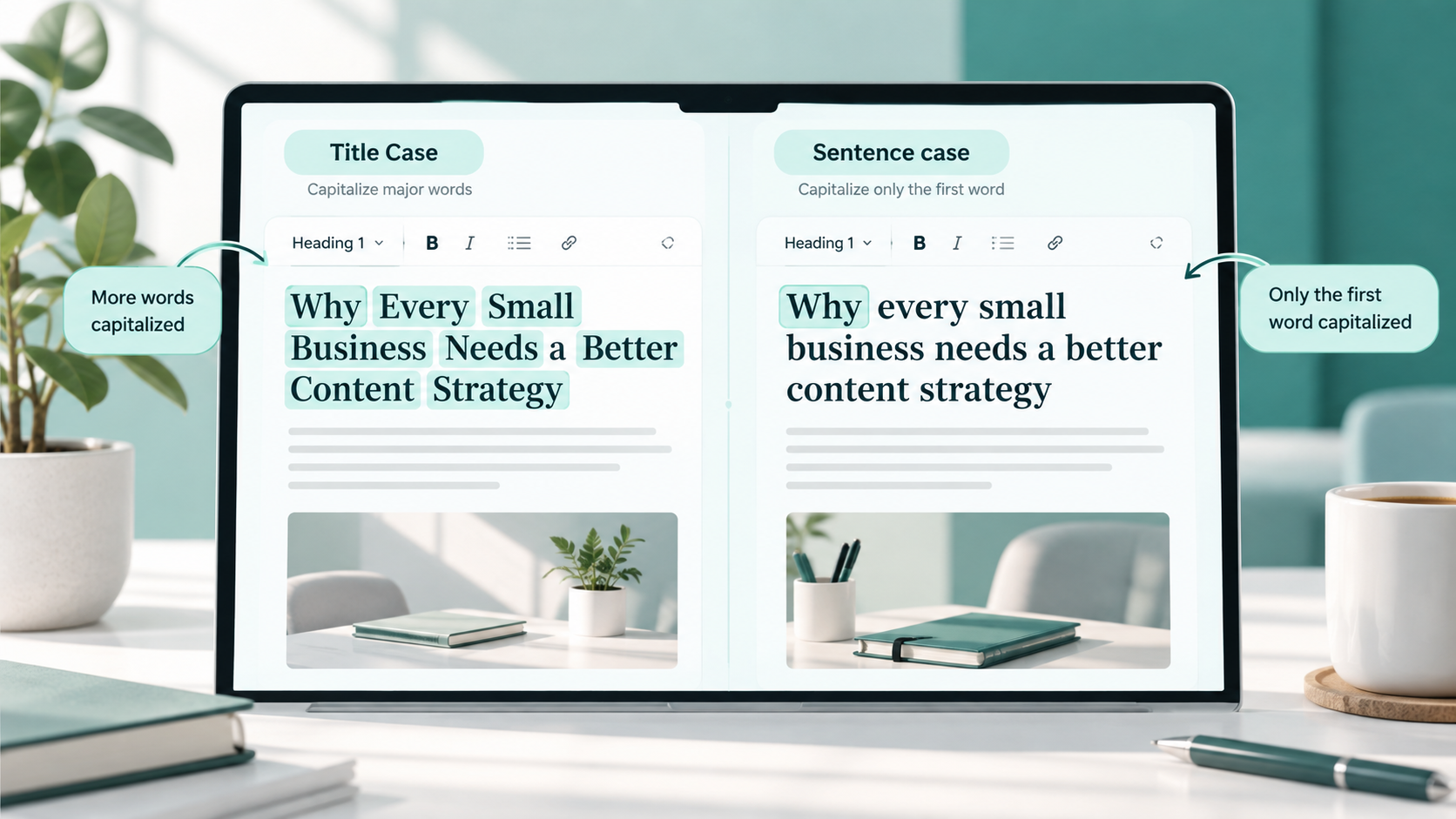
If you are adjusting the formatting of titles or headings, a Use Word Counter can also be useful for switching between uppercase, lowercase, title case, and other text formats without rewriting them manually.
Do one final check before publishing
After editing, check the length again.
Even small changes can affect a strict character limit, particularly when punctuation and spaces are included.
FAQs
What is the fastest way to check text length?
The quickest method is usually to paste the text into an online word and character counter or use the built-in count feature in your writing application.
Is text length the same as word count?
Not always.
Text length is a broad term that may refer to words, characters, sentences, paragraphs, or another measurement. Word count specifically measures the number of words.
What is a character count?
Character count measures individual letters, numbers, punctuation marks, symbols, and, depending on the counting method, spaces.
Do spaces count as characters?
They often do, but it depends on the platform or tool.
Some counters show both characters with spaces and characters without spaces, which makes it easier to follow different requirements.
Do punctuation marks count as characters?
In most character-count systems, punctuation marks such as commas, periods, question marks, and quotation marks are counted as characters.
Why can two text counters show different results?
Different tools may handle hyphenated words, special characters, emojis, URLs, line breaks, and spacing differently.
If you are working with a strict platform limit, check the text using the platform itself when possible.
Should I focus on word count when writing an article?
Word count can help with planning and editing, but it should not be the main goal.
Focus first on answering the topic clearly and completely. Use word count as a guide rather than adding unnecessary text to reach a particular number.
Can I check character count without counting words?
Yes. A character counter can measure the text directly regardless of how many words it contains.
What should I do if my text is over the character limit?
Start by removing repeated ideas, unnecessary adjectives, filler phrases, and overly long wording.
Try to preserve the essential message instead of cutting important information.
Is an online text length checker useful for short text?
Yes. It can be especially helpful for titles, descriptions, captions, usernames, online forms, and other text where a small number of extra characters can exceed a limit.
Final Thoughts
Checking text length should be a quick part of the writing process, not a frustrating final task.
The most important step is knowing which measurement matters. Use word count for articles, essays, assignments, and long-form content. Use character count when working with titles, descriptions, forms, captions, usernames, and other limited text fields.
Once you know the requirement, a built-in document counter or online text length checker can give you the information you need within seconds.
Use the count as an editing guide rather than a target to chase. Good writing should be clear, complete, and appropriate for its purpose. The numbers simply help you keep it within the right boundaries.