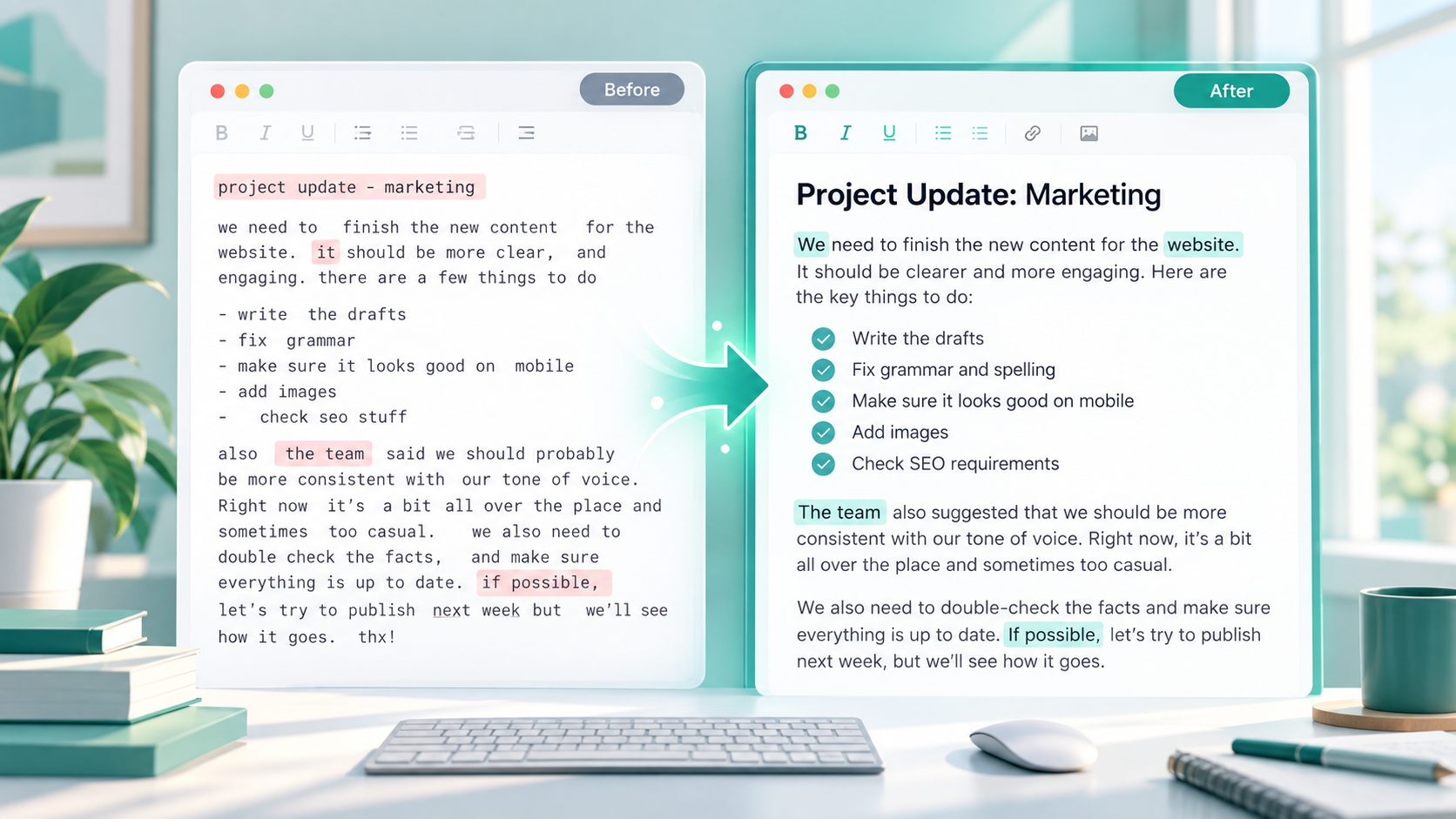
You copy a paragraph from a document, email, website, caption, or online form and immediately notice something is wrong. Maybe the entire text is written in capital letters, or perhaps everything has been converted to lowercase. Rewriting it letter by letter would take too much time, especially if the text is long.
This is where text case conversion becomes useful. Instead of retyping your content, you can quickly convert text to uppercase or lowercase while keeping the words themselves unchanged.
Whether you are formatting a heading, cleaning up copied text, preparing a social media caption, or fixing content before publishing it on a website, understanding text case can save time and make your writing easier to read.
What Does It Mean to Convert Text Case?
Text case refers to the way uppercase and lowercase letters are used in written text.
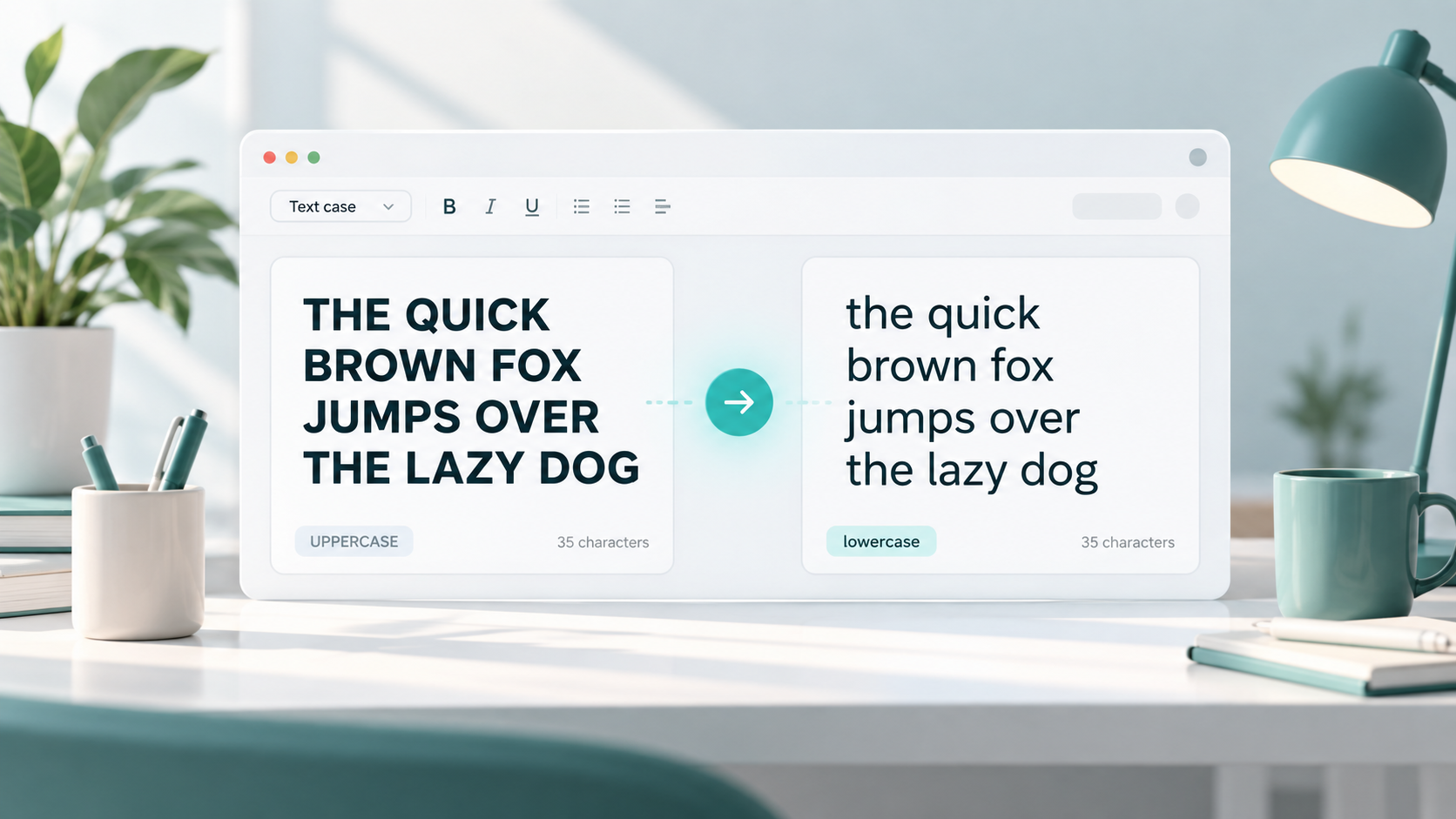
Converting text case means changing the appearance of the letters without changing the actual words or meaning.
For example:
Original:
ToolNest helps writers format text
Uppercase:
TOOLNEST HELPS WRITERS FORMAT TEXT
Lowercase:
toolnest helps writers format text
The wording is exactly the same. Only the capitalization has changed.
Text case conversion is useful when copied content does not match the format you need. Instead of editing every letter manually, a case converter can apply the change to an entire sentence, paragraph, or document almost instantly.
What Is Uppercase?
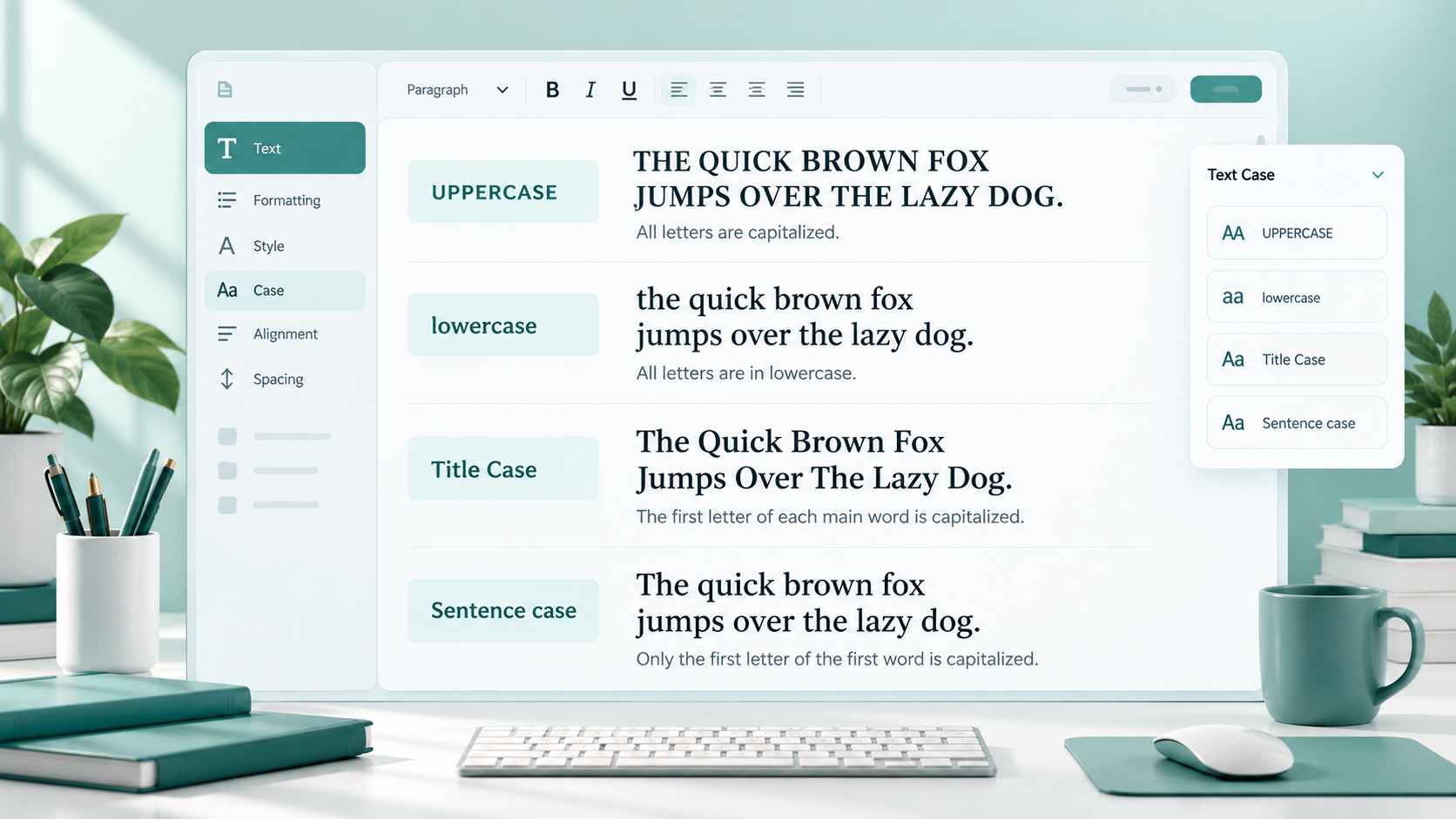
Uppercase means writing letters in their capital form.
For example:
THIS IS UPPERCASE
FREE ONLINE TOOLS
CONTACT US
Uppercase text stands out visually, which is why it is commonly used for short headings, labels, buttons, warnings, acronyms, and small pieces of emphasized text.
You may see uppercase in website navigation, signs, product labels, interface buttons, or section headings.
For example:
DOWNLOAD
SUBMIT
IMPORTANT NOTICE
FAQ
Uppercase works well when the text is short and needs attention. However, it is usually not a good choice for long paragraphs because large blocks of capital letters can be tiring to read.
What Is Lowercase?
Lowercase means writing letters in their smaller, non-capital form.
For example:
this is lowercase
free online tools
write better content
Lowercase appears naturally throughout everyday writing. Most letters in normal sentences, emails, messages, blog posts, and descriptions are lowercase.
It may also be used intentionally for usernames, social media styles, minimalist designs, short captions, or branding styles.
For example:
toolnest
write better content
simple online tools
Lowercase usually feels softer and less visually aggressive than full uppercase. However, standard grammar still requires capital letters in certain situations, such as the beginning of a sentence or many proper names.
Uppercase vs Lowercase: The Main Difference
The main difference is simply how the letters appear.
Consider this sentence:
Original:
ToolNest helps writers format text
Uppercase:
TOOLNEST HELPS WRITERS FORMAT TEXT
Lowercase:
toolnest helps writers format text
Uppercase gives the sentence a stronger visual presence, while lowercase creates a simpler and more relaxed appearance.
Neither format is automatically better. The right choice depends on where the text will appear and how you want people to read it.
For a short website button, uppercase may work well.
For a paragraph in an article, normal sentence formatting is usually easier to read.
How to Convert Text to Uppercase
There are several ways to convert text into uppercase.
Use an Online Uppercase Converter
An online uppercase converter is one of the quickest options.
You normally paste your text into the tool, select the uppercase option, and copy the converted version.
For example:
Before:
please check my application
After:
PLEASE CHECK MY APPLICATION
This is especially convenient when working with multiple sentences or large blocks of text.
Use a Case Converter Tool
A case converter is more flexible because it may offer several formatting choices in one place.
You can paste your text and switch between uppercase, lowercase, title case, or sentence case depending on what you need.
This is useful when you are not sure which case style looks best.
Use Word Processor Formatting Options
Some word processors and document editors include built-in case-changing options.
Depending on the software, you may be able to select your text and choose an option such as uppercase or lowercase from a formatting menu.
Use Keyboard Shortcuts When Available
Some applications provide keyboard shortcuts for changing case.
These shortcuts vary between programs, so do not assume that the same shortcut will work everywhere. Check the specific application you are using.
Convert Manually for Very Short Text
If you only need to change one or two words, manual editing may be faster.
For example:
sale → SALE
But for a complete paragraph or document, using a case conversion tool is usually more practical.
How to Convert Text to Lowercase
Converting uppercase text into lowercase follows a similar process.
Use an Online Lowercase Converter
Paste the text into a lowercase converter and apply the lowercase option.
For example:
Before:
WELCOME TO OUR WEBSITE
After:
welcome to our website
This is useful when you receive text written entirely in capitals and need a cleaner version.
Use a Case Converter Tool
A case converter lets you switch the same text between different styles without repeatedly rewriting it.
This can be useful for writers, students, website owners, developers, marketers, and anyone working with text regularly.
Use Document Editor Options
Many text editors and office programs include capitalization tools. Select the text and check the formatting options available in your editor.
Convert Manually Only When the Text Is Short
Manual conversion may be reasonable for a short label, username, or phrase.
For anything longer, manual editing increases the chance of missing letters or creating inconsistent capitalization.
Convert Uppercase and Lowercase Online with ToolNest
If you want a simple way to change text case, the ToolNest Case Converter can help you switch between uppercase, lowercase, title case, and sentence case without rewriting the text manually.
Case Converter
Convert text to uppercase, lowercase, title case and more.
The process is straightforward: paste your text, select the case you need, review the converted result, and copy it when finished.
This can be useful when formatting blog content, cleaning copied text, preparing headings, editing captions, or correcting inconsistent capitalization.
You can also use theUse Case Converter whenever you need to quickly change text case.
When using any unfamiliar online text-processing tool, avoid pasting confidential client documents, passwords, private records, unpublished business information, or sensitive personal data unless you understand how that service handles your information.
When Should You Use Uppercase?
Uppercase is most effective when used deliberately.
Short Buttons
Website and app buttons sometimes use uppercase because short capitalized labels are easy to notice.
Examples:
BUY NOW
DOWNLOAD
CONTINUE
Labels
Uppercase can help distinguish short labels from surrounding content.
Examples:
NAME
ORDER NUMBER
Warnings
Important warnings may use uppercase for emphasis.
Example:
DO NOT CLOSE THIS WINDOW
However, the message should remain short.
Acronyms
Many acronyms are commonly written in uppercase.
Examples include:
HTML
CSS
URL
Section Markers
Uppercase can work for small interface headings or content markers such as:
STEP 1
IMPORTANT
SUMMARY
Design Headings
Some website designs use uppercase for menu items or short headings to create a consistent visual style.
Small Amounts of Emphasis
One or two uppercase words can attract attention.
The key is moderation. Writing full paragraphs in uppercase usually reduces readability and may make ordinary text feel unnecessarily aggressive.
When Should You Use Lowercase?
Lowercase is useful in many everyday situations.
Normal Writing
Most sentences naturally contain lowercase letters, with capitals used where grammar requires them.
Casual Text
Lowercase may create a relaxed tone in informal captions, notes, or messages.
Usernames
Many usernames are displayed entirely in lowercase for simplicity and consistency.
Simple Captions
A short lowercase caption can work well when the design or platform uses a minimal style.
Design Style
Some websites and creative projects intentionally use lowercase navigation labels or headings.
Short Descriptions
Lowercase works naturally in product descriptions, summaries, notes, and interface text when standard capitalization is not required.
Emails and Messages
Normal sentence case, which includes mostly lowercase letters, is usually the most readable choice for emails and everyday communication.
How Case Conversion Helps Different Users
Text case conversion may sound simple, but it is useful across many types of work.
Writers can fix inconsistent capitalization in drafts.
Students can clean up notes copied from slides, PDFs, or online resources.
Bloggers can format headings and article sections more consistently.
Marketers can adjust campaign headlines, calls to action, labels, and social captions.
Developers may need to change sample text, interface labels, testing content, or text values while building websites and applications.
Website owners can correct menu labels, headings, buttons, and imported content without manually editing every letter.
The main benefit is efficiency. Case conversion handles repetitive formatting quickly while allowing you to focus on the actual content.
Common Mistakes When Changing Text Case
Changing capitalization is simple, but a few mistakes can create awkward results.
Writing Full Paragraphs in Uppercase
Large blocks of uppercase text are harder to scan and read.
Use uppercase mainly for short text that genuinely needs emphasis.
Forgetting to Check Names
Automatic conversion may change the capitalization of people's names, company names, product names, and place names.
After converting text, always review proper nouns.
Converting Acronyms Incorrectly
A lowercase conversion may turn an acronym such as HTML into html.
Depending on the context, you may need to change it back manually.
Mixing Uppercase and Lowercase Randomly
Inconsistent capitalization can make professional content look unfinished.
Choose a style and use it consistently.
Manually Converting Long Text
Changing dozens of letters by hand increases the chance of mistakes.
A case converter is usually better for longer content.
Using Uppercase When Readability Matters More
Not every heading, message, or call to action needs full capitals.
If the text contains several sentences, normal capitalization is often easier to read.
Ignoring Other Case Styles
Sometimes uppercase or lowercase is not the best solution.
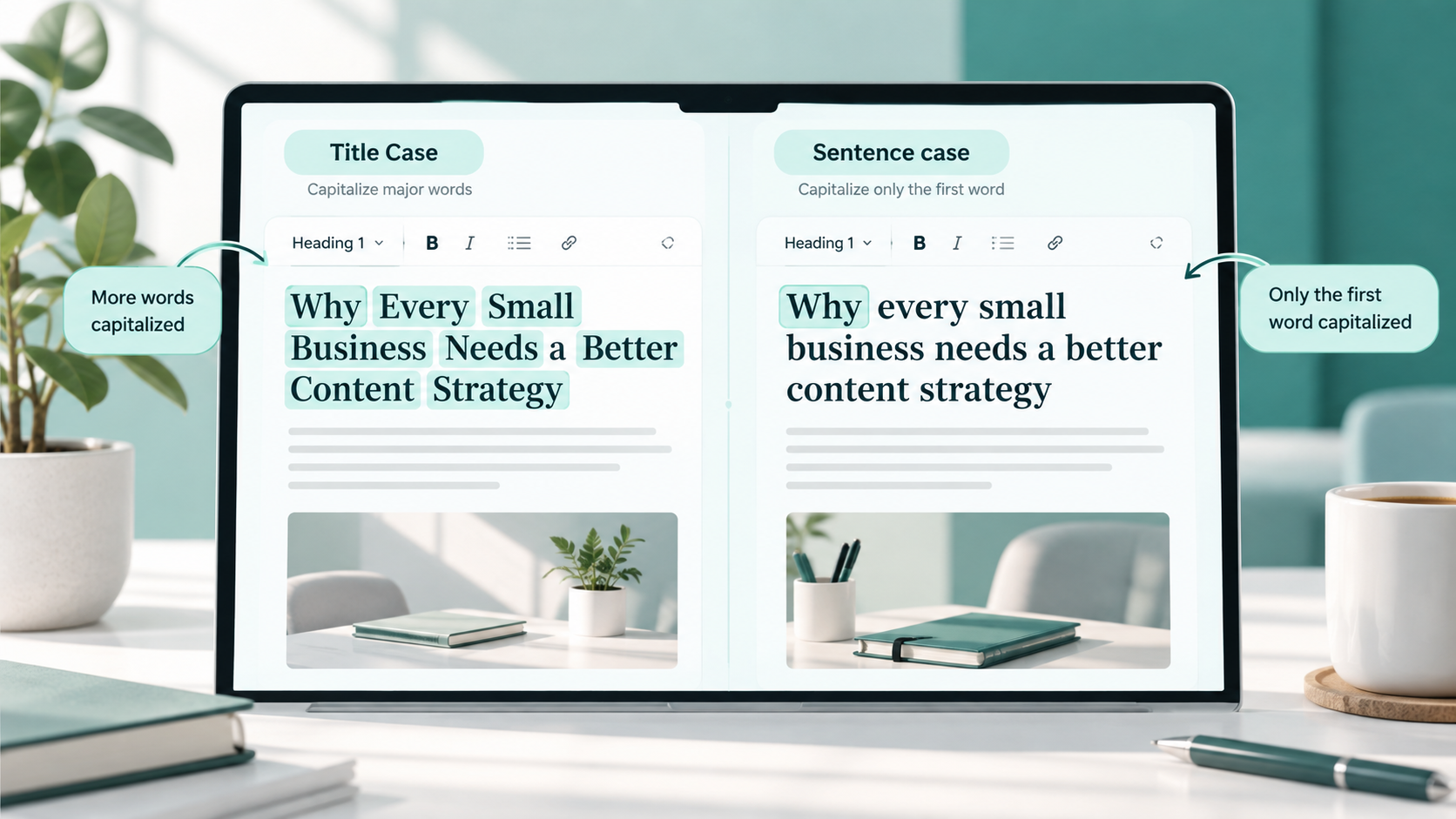
Title case may work better for headings, while sentence case may be better for article titles, interface text, or normal communication.
If you want to understand how these styles differ, readUse Case Converter.
Simple Tips for Better Text Formatting
Good text formatting is mostly about consistency and readability.
Choose the case style based on the purpose of the text rather than simply using the style that looks strongest.
Keep paragraphs easy to scan. Avoid long sections written entirely in capitals.
Follow the style of the platform you are publishing on. A website interface, academic document, email, social media post, and advertising banner may all use capitalization differently.
Be consistent with headings and buttons. If one group of similar elements uses uppercase, avoid randomly switching others to lowercase unless there is a design reason.
Review proper nouns after using an automatic converter. Names, brands, places, abbreviations, and technical terms may need manual correction.
Consider your audience. Formal documents usually require standard capitalization, while casual content may allow more creative formatting.
Finally, proofread the finished text. A converter can change letter case, but it cannot always determine the intended capitalization of every word.
FAQs
What is an uppercase converter?
An uppercase converter changes lowercase or mixed-case text into capital letters.
For example:
ToolNest text tools
becomes:
TOOLNEST TEXT TOOLS
What is a lowercase converter?
A lowercase converter changes capital or mixed-case letters into lowercase.
For example:
ONLINE TEXT TOOLS
becomes:
online text tools
Can I change a whole paragraph from uppercase to lowercase?
Yes. A case converter can usually process complete paragraphs or larger blocks of text at once, which is much faster than changing each letter manually.
Does changing text case change the meaning?
Usually, no. Case conversion changes capitalization rather than the actual words.
However, capitalization can affect meaning in certain names, acronyms, technical terms, or case-sensitive systems, so it is worth reviewing the result.
Should blog paragraphs be written in uppercase?
Generally, no. Normal sentence formatting is easier to read for longer content. Uppercase is better reserved for short headings, buttons, labels, or limited emphasis.
Is lowercase suitable for headings?
It can be. Some websites and brands use lowercase headings as a design choice. The most important thing is to remain consistent and keep the text readable.
Is an online case converter useful for students?
Yes. Students can use case converters when cleaning notes, preparing assignments, fixing copied text, or adjusting headings. Sensitive academic or personal information should not be pasted into unfamiliar online services.
Can a case converter also create title case?
Many case converter tools provide additional options such as title case and sentence case alongside uppercase and lowercase.
Do I still need to proofread converted text?
Yes. Automatic case conversion may not preserve the intended capitalization of names, acronyms, brands, or specialized terms. A quick review is always useful.
Final Thoughts
Converting text to uppercase or lowercase is a small formatting task that can become surprisingly time-consuming when done manually.
An uppercase converter is useful when you need strong, short labels or headings, while lowercase conversion can quickly clean up text written entirely in capital letters. For most everyday writing, the best result comes from choosing the case that matches the purpose, audience, and platform.
Use automatic case conversion to save time, but always review the final text for names, acronyms, readability, and consistency before publishing or sending it.